
Step 1
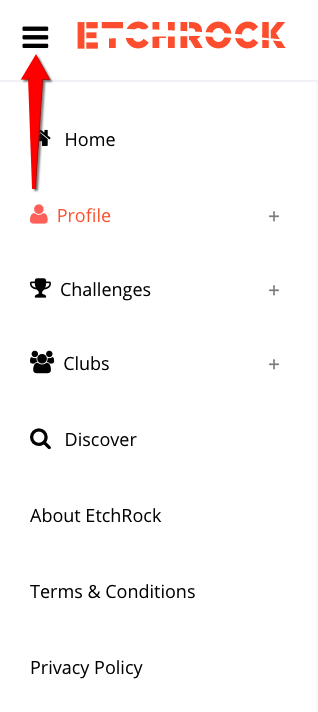
Click on the menu icon in the top left corner
Step 2
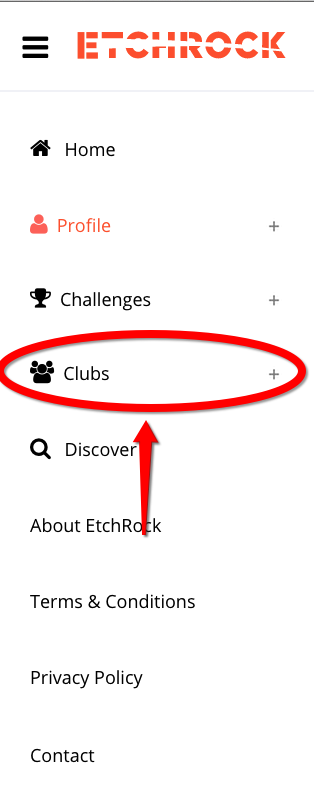
Click on the 'Clubs' button
Step 3
Under the 'Club' heading, select 'Create A Club'

Step 4
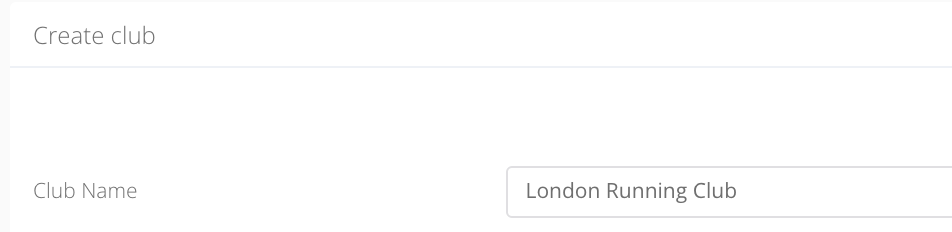
Name your club and click 'Save'
Step 5
To access you club's home page select the drop down in the top right corner of your page and click 'Club Profile'.

Step 6
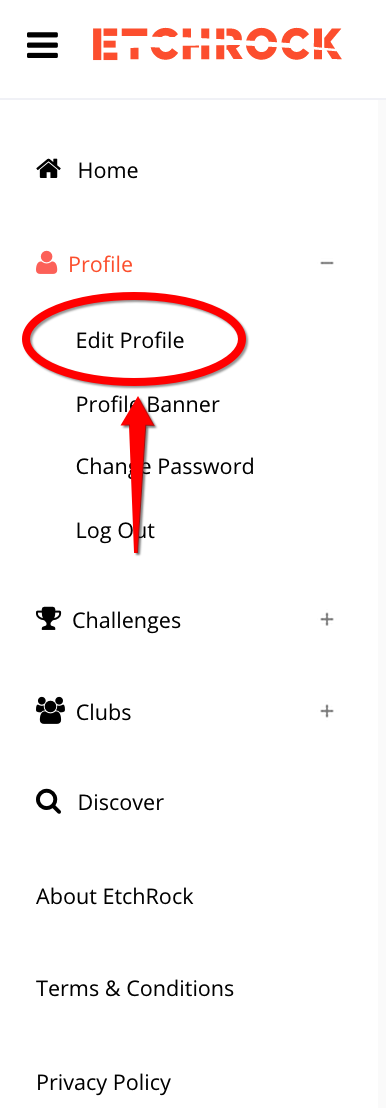
To edit your club profile further, you can select the 'Edit Profile' button and enter your information.
Comments
0 comments
Please sign in to leave a comment.