
Your EtchRock event listing page displays information about your event. EtchRock users can navigate to your event listing page from our discover page using desktop, IOS and Android.
We do not recommend sending customers who want to buy tickets to your event listing page, instead we recommend sending them to your event tickets page. The main purpose for the listing page is to provide information to people considering going to your event. Consider sending people here from social media channels. Your tickets are displayed so they will be able to purchase tickets.
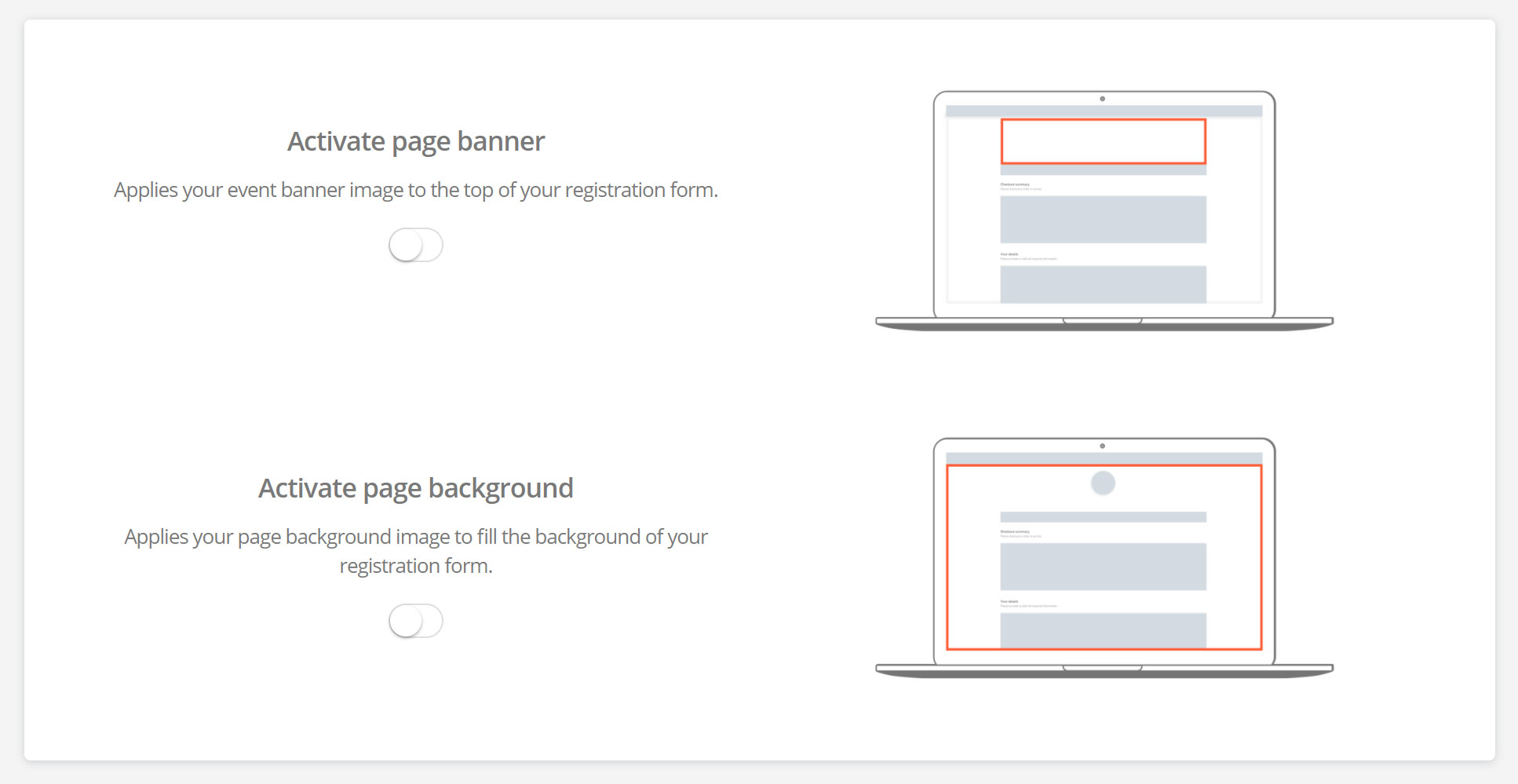
By default, we show your event logo at the top of your event listing page. You can choose to show your banner at the top of this page. It can be shown as either a full-width banner or as a centred banner shown below. You can then upload your images within the design section.
The below is the information displayed on the event listing page. There is some additional information that you can decide to show.
- Event name
- Tickets
- Organiser details
- About the event
- Location
- Date
- Training Page
Optional information
- RaceCheck widget
- Participants list
- Prizes
Comments
0 comments
Article is closed for comments.