
Enabling ticket transfers will allow participants to change their existing ticket to another ticket within the same or other events. If the new ticket is priced higher than the original ticket then a payment for the difference will be collected for you.
There are three options available.
- Participant guide - How to transfer a ticket
How to set up ticket transfers
Step 1 - Navigate to your tickets Transfer Policy Settings. Manage event > Payment options > Order policy. Then click on 'Tickets Transfer Policy Settings'.
Step 2 - Select the options you would like to be availiable.
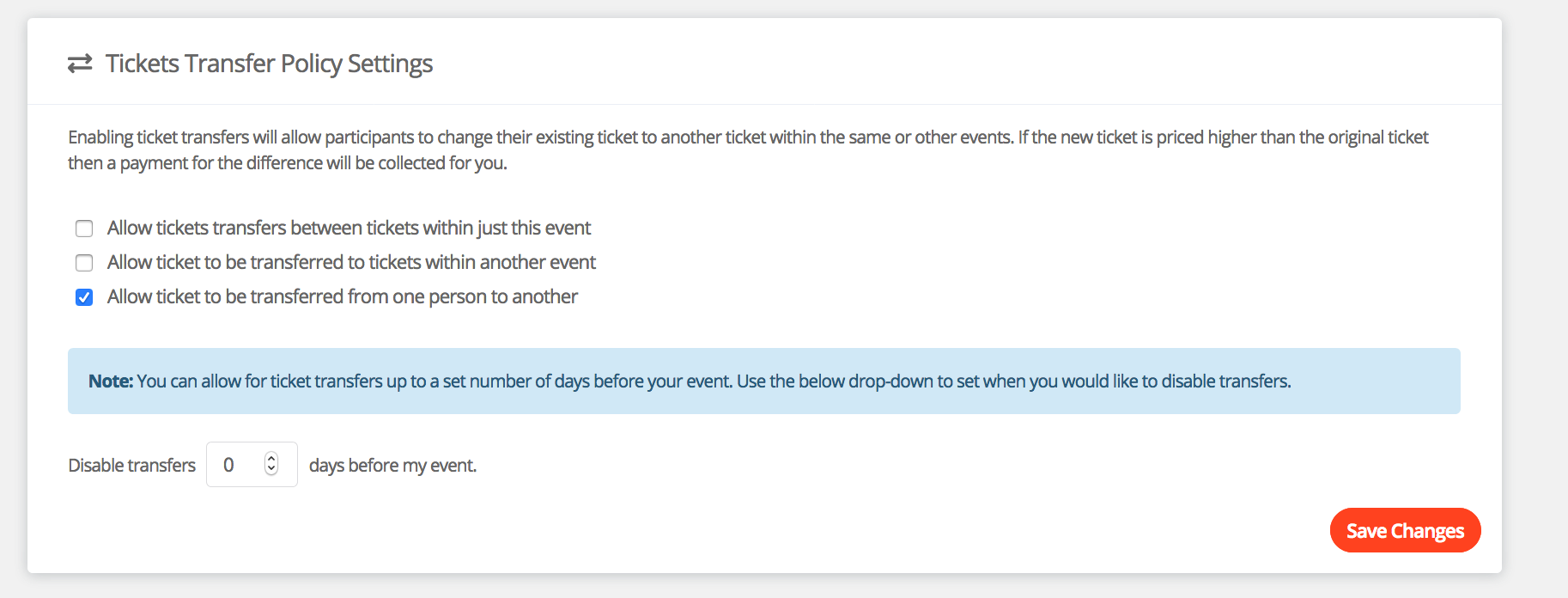
Step 3 - You can set a number of days you would like to allow ticket transfers to expire. After this time participants will no longer be able to request a transfer.
For help please email support@etchrock.com
Comments
0 comments
Article is closed for comments.