
How to create a team
As an event organiser you can create teams and then assign participants into teams.
View a team
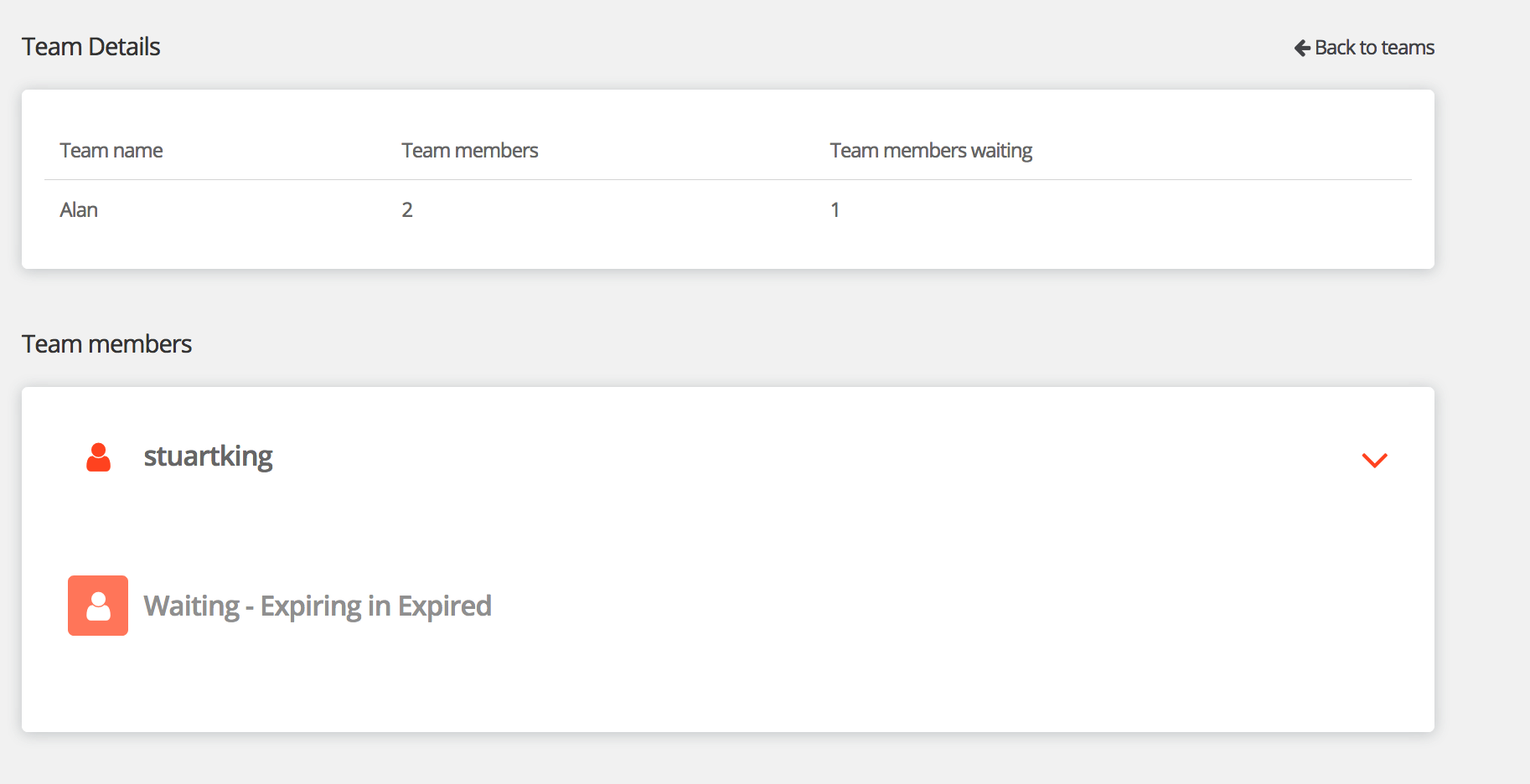
To view a team click on the team name. Within this view you will be able to view all of the information you collected from that team. You will also be able to perform the below actions.
- View participant information
- Edit a participants status
Team guides for participants.
Participant guide - How to create or join a team after registration
Participant guide - How to create or join a team during registration
Participant guide - Inviting friends to join your team
Creating a team
To create a team follow the below steps.
Step 1 - Navigate you your participants list. Manage event > Manage Participants > Participants. Here you will see a list of your participants.
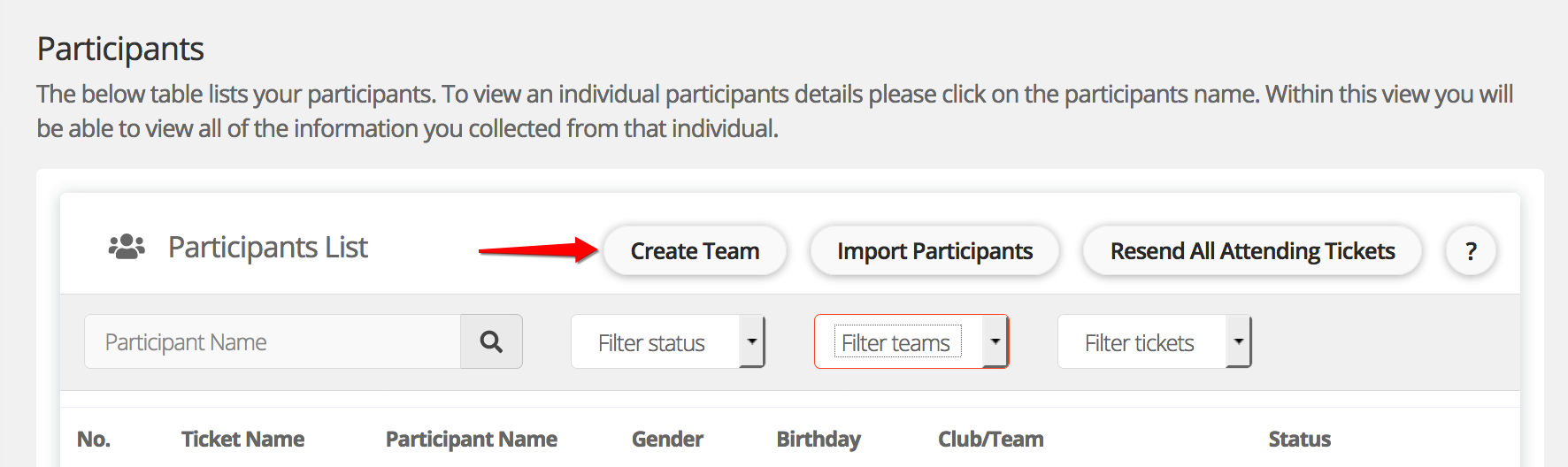
Step 2 - Click 'create team'.
Step 3 - Enter a unique team name and password.
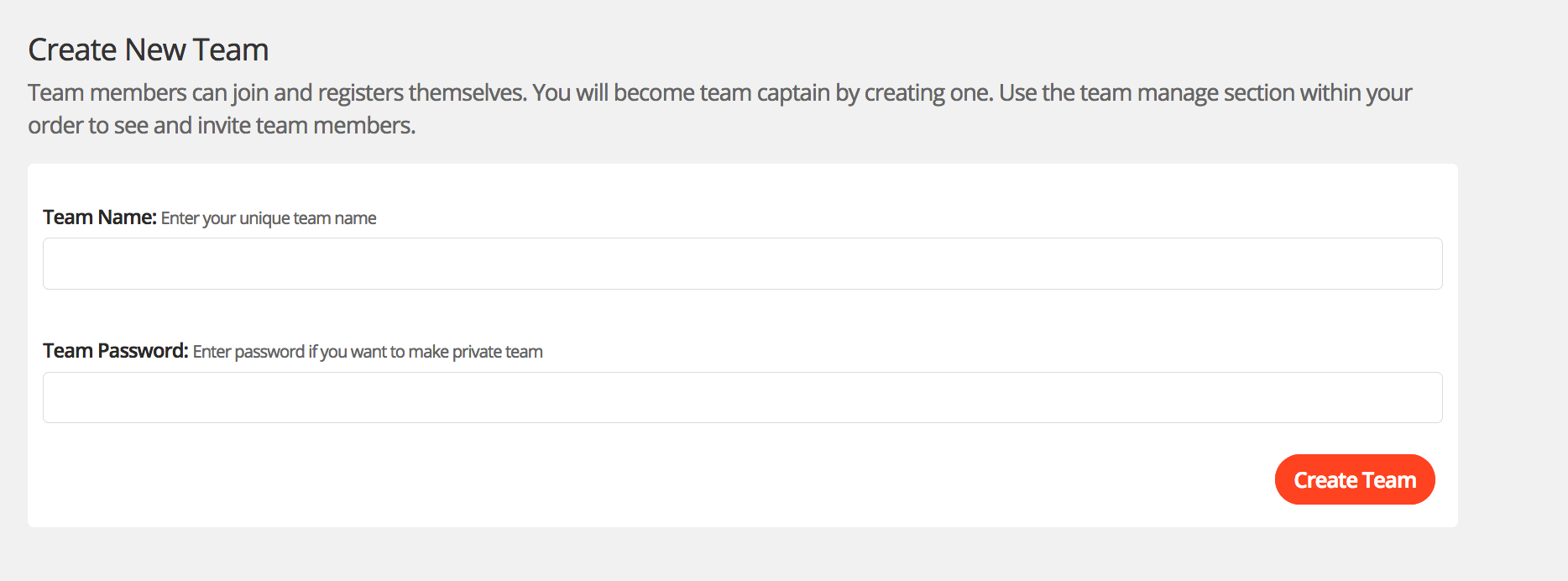
Step 4 - Click 'Create team'. That's it, the team will then be created and you can start assigning participants into the team.
Note: The team will not show in your team list until you assign one participant into the team.
For help please email support@etchrock.com
Comments
0 comments
Please sign in to leave a comment.