
How to create a fundraising page
EtchRock allows charities to create fundraising campaigns and fundraisers can then create individual fundraising pages to help support charities in their campaign efforts. To create a fundraising page you'll need to visit the charities campaign page. From there you just need to click 'start fundraising' and you'll be able to create your own fundraising page. Follow the below steps to get started.
Creating your fundraising page
Step 1 - Visit the campaign page you wish to support or ask the charity to send you the 'start fundraising' web link.
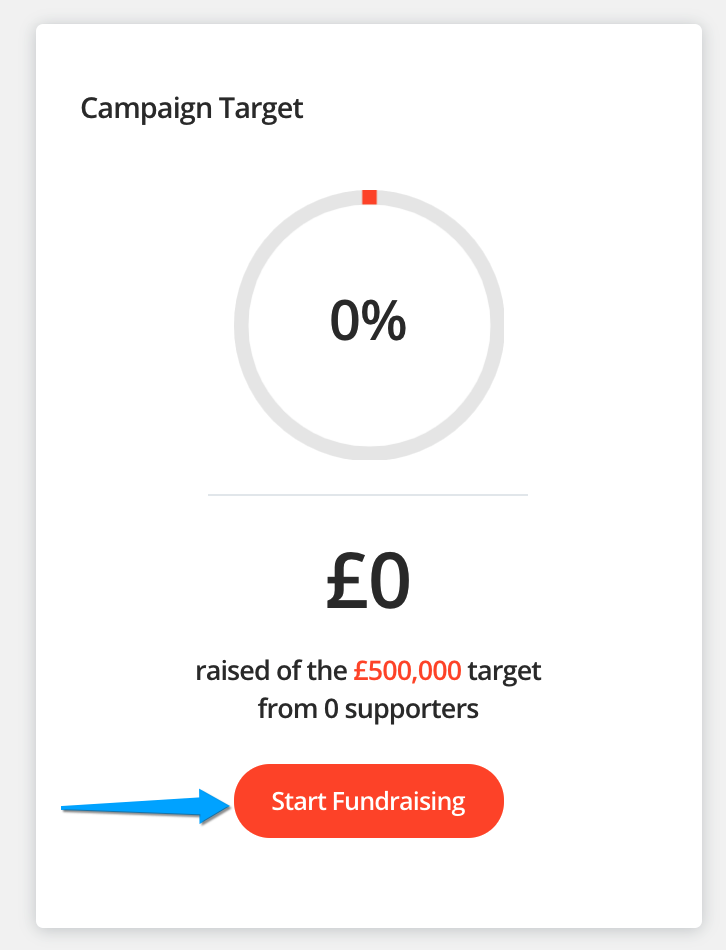
Step 2 - Click 'Start fundraising', you'll find this located on the right hand side of the campaign page.
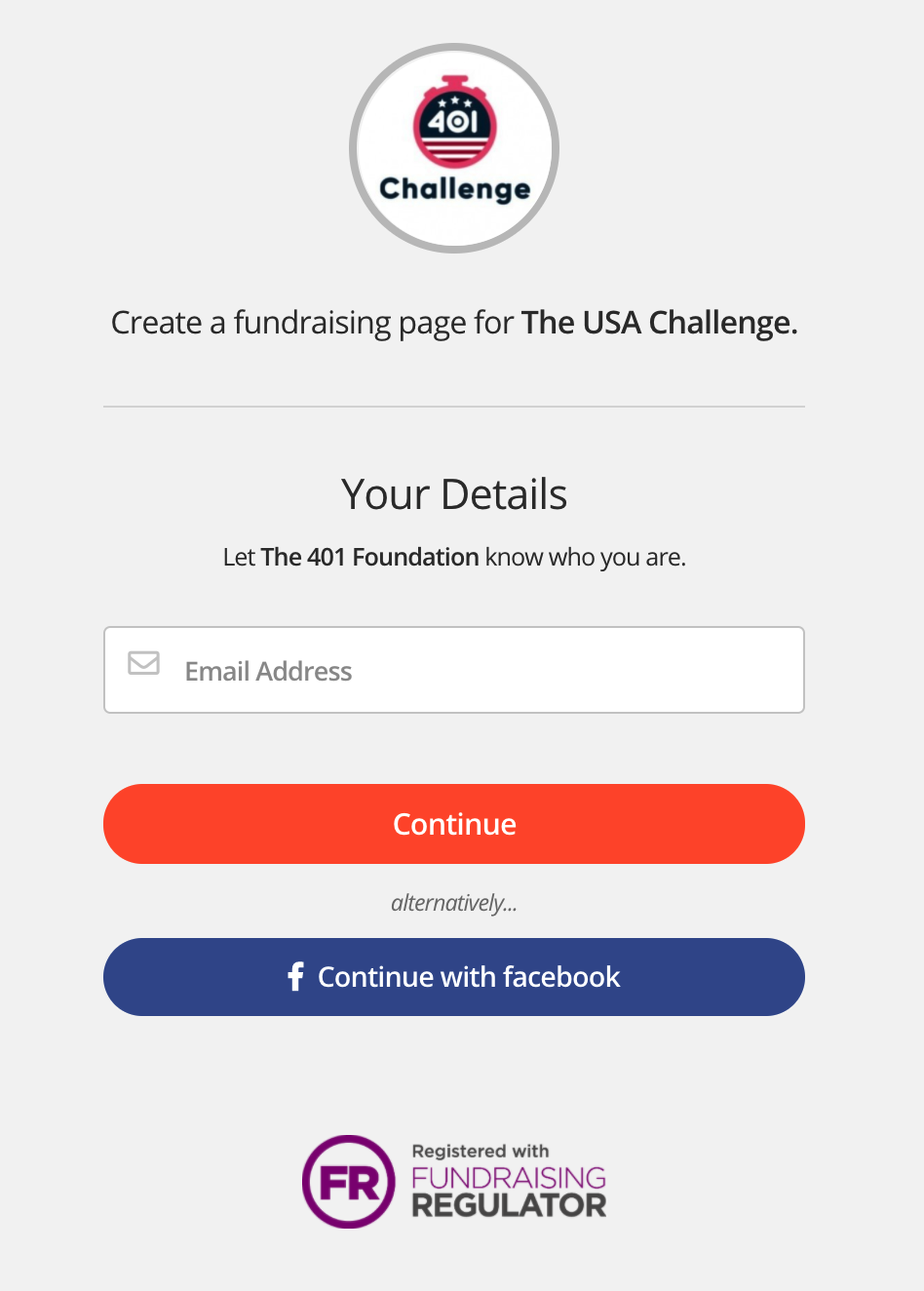
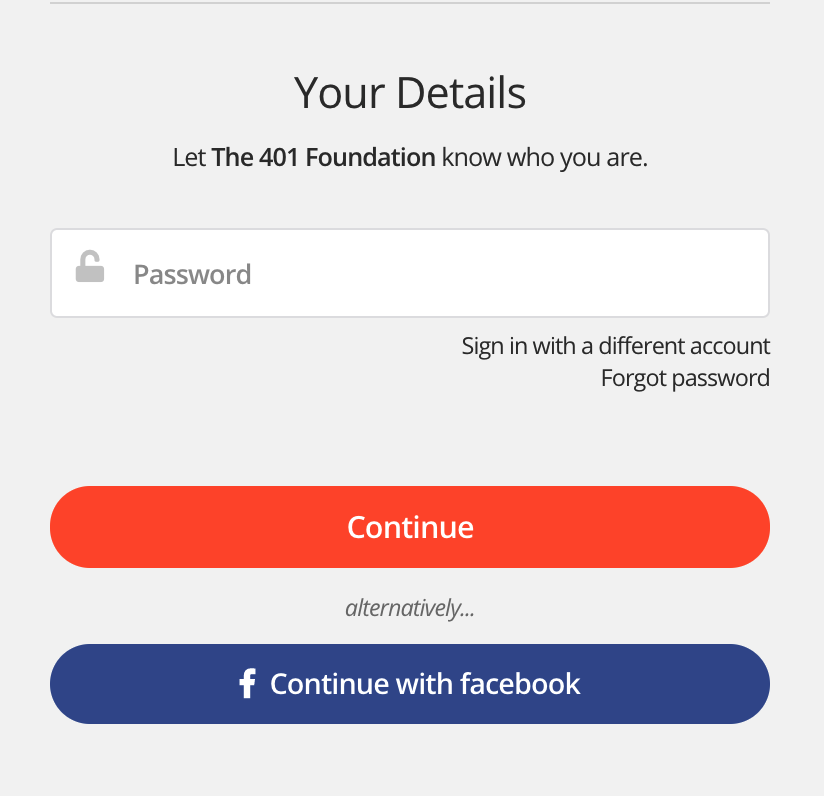
Step 3 - If you are logged in to your EtchRock account you'll be sent to step 4 below. If you are not logged in to an EtchRock account or don't have one then you'll need to fill in your email address and create a password.
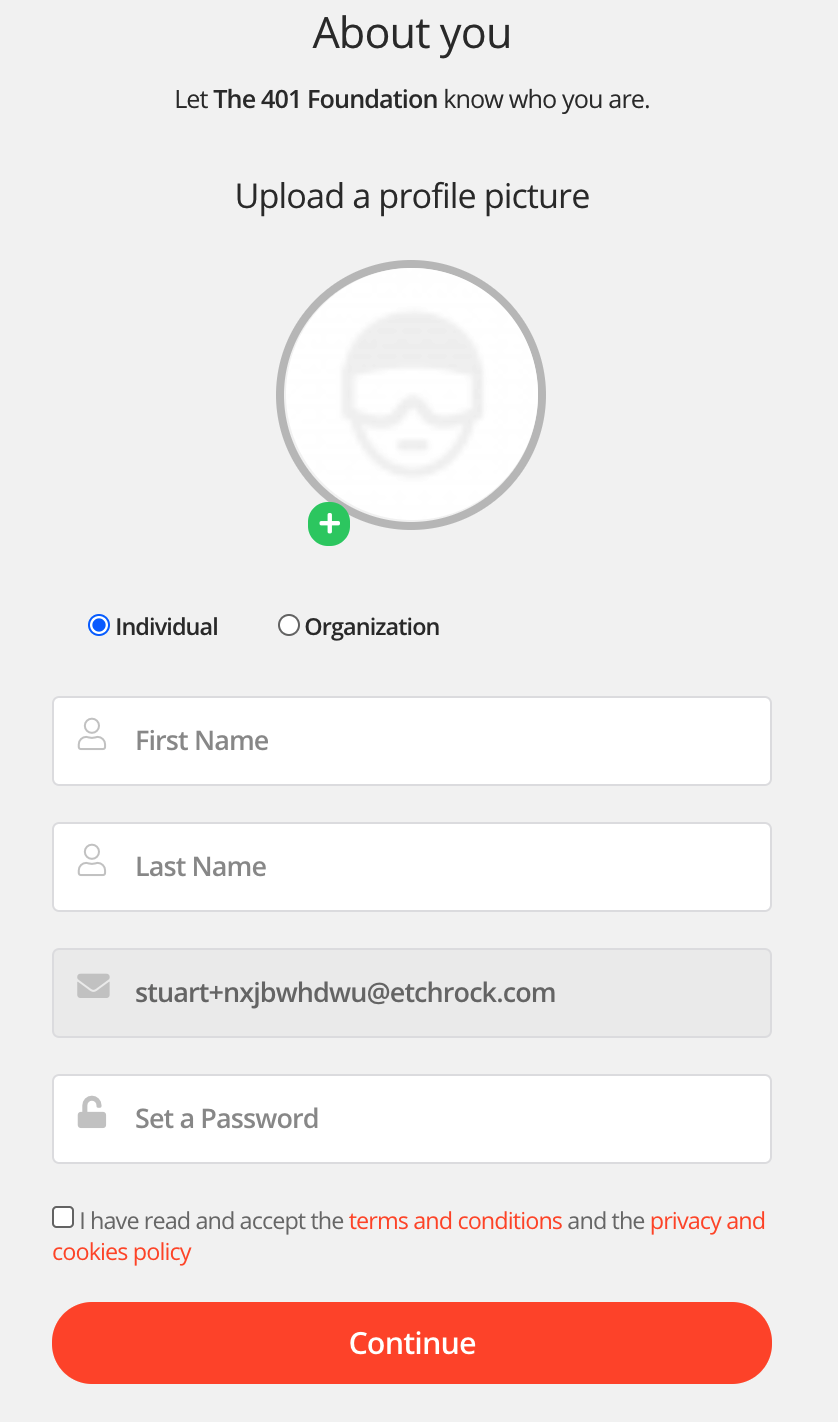
Step 4 - Complete the 'about you' section. Some charities may request additional information.
Step 5 - Set your fundraising page title and fundraising story. These will be autofilled and will use the default campaign information. Once you are done click 'continue'.
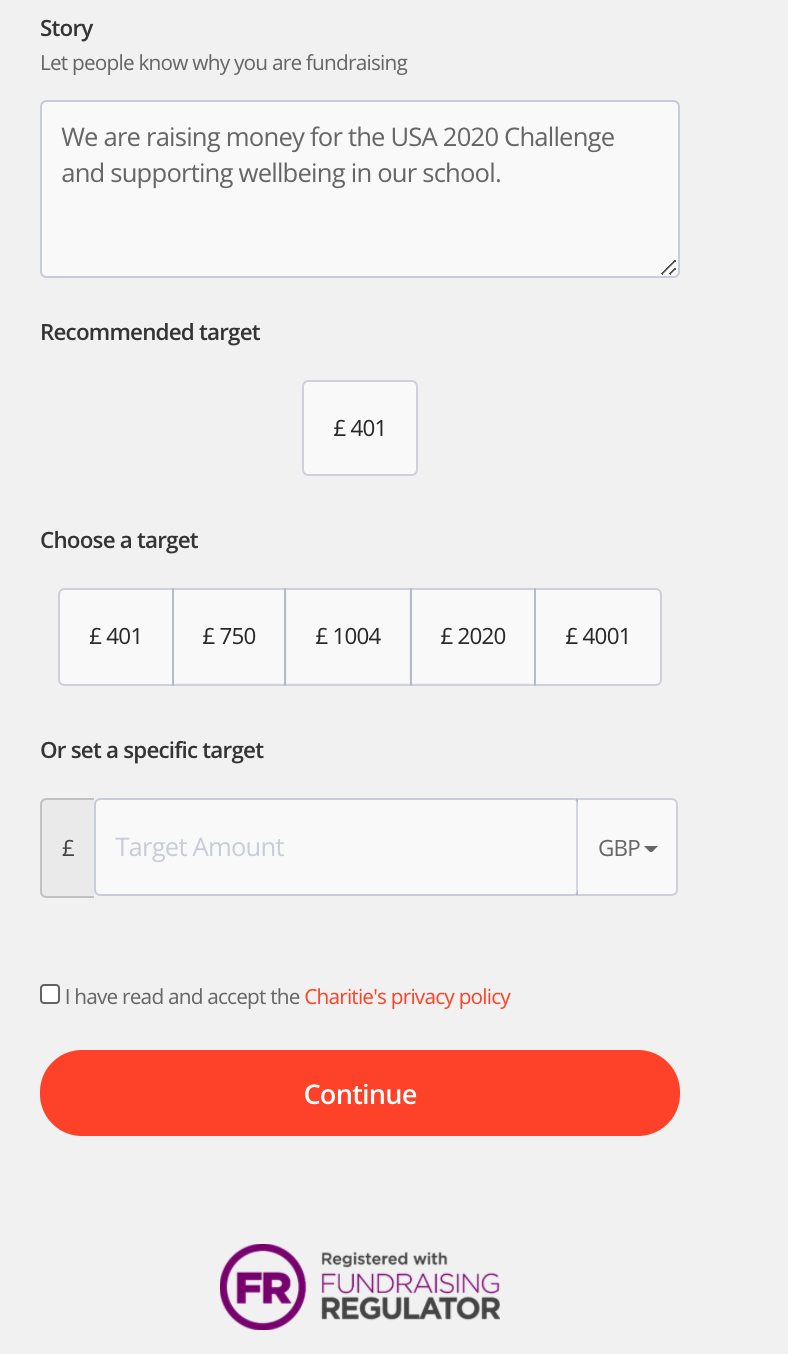
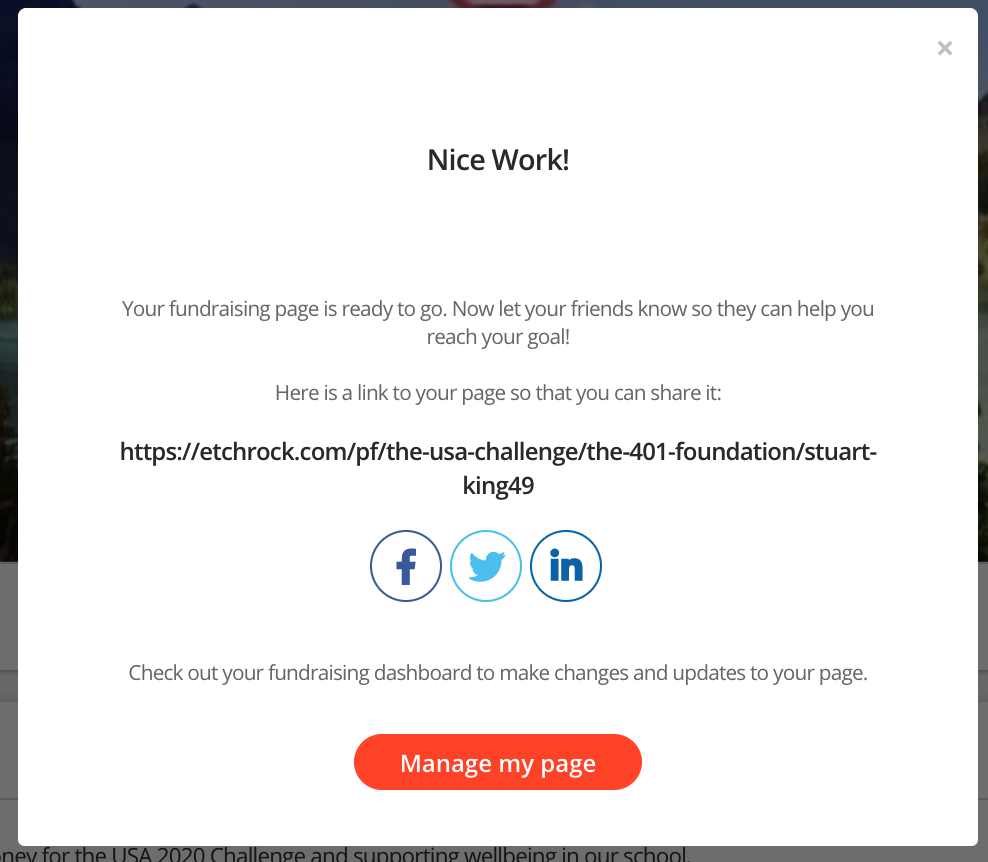
That's it, your fundraising page will be created. You'll be redirected to your fundraising page and show the below popup confirming your page has been created successfully.
For help please email support@etchrock.com.
Comments
0 comments
Article is closed for comments.