
If you have an EtchRock account and wish to give access to another EtchRock account you can do this within your account settings. You'll need to be an account owner to manage roles for your EtchRock account. There is no limit to the number of roles you can assign.
You are able to add, edit and remove access, the below details how to perform each.
- Give someone account access
- Remove account access
- Edit account access
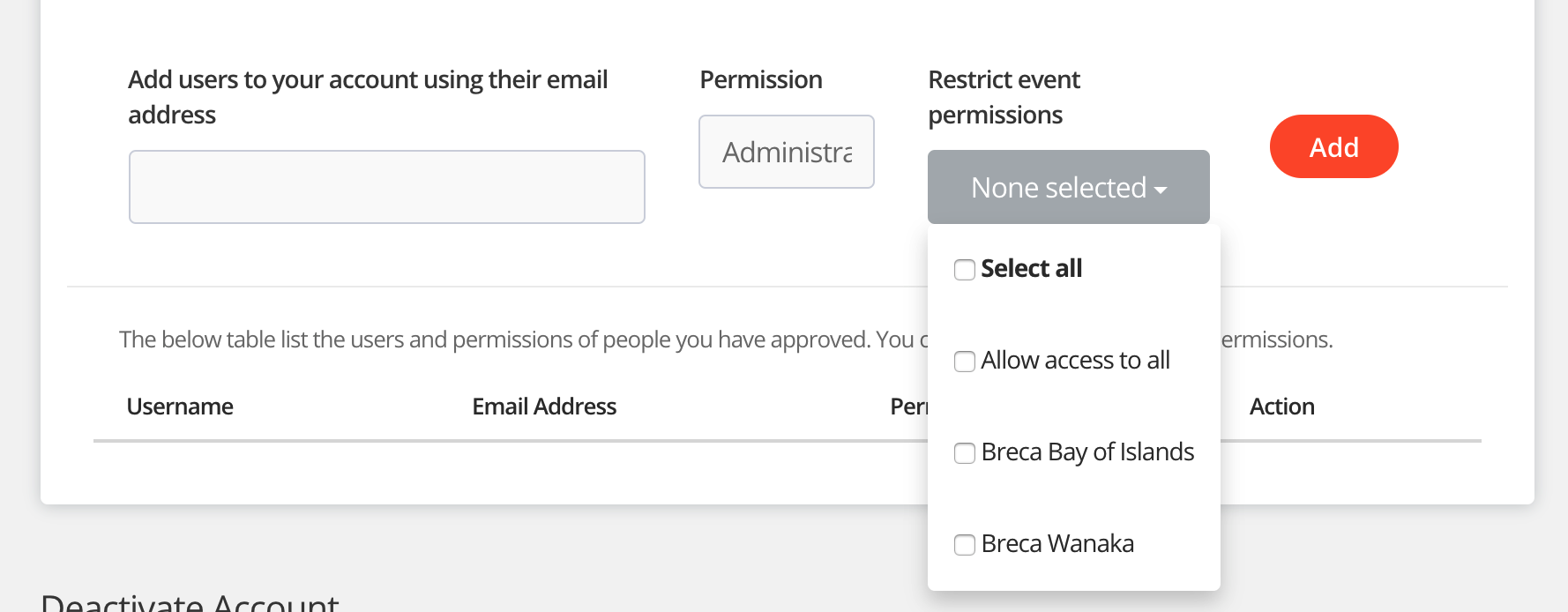
- Restrict access to specific events
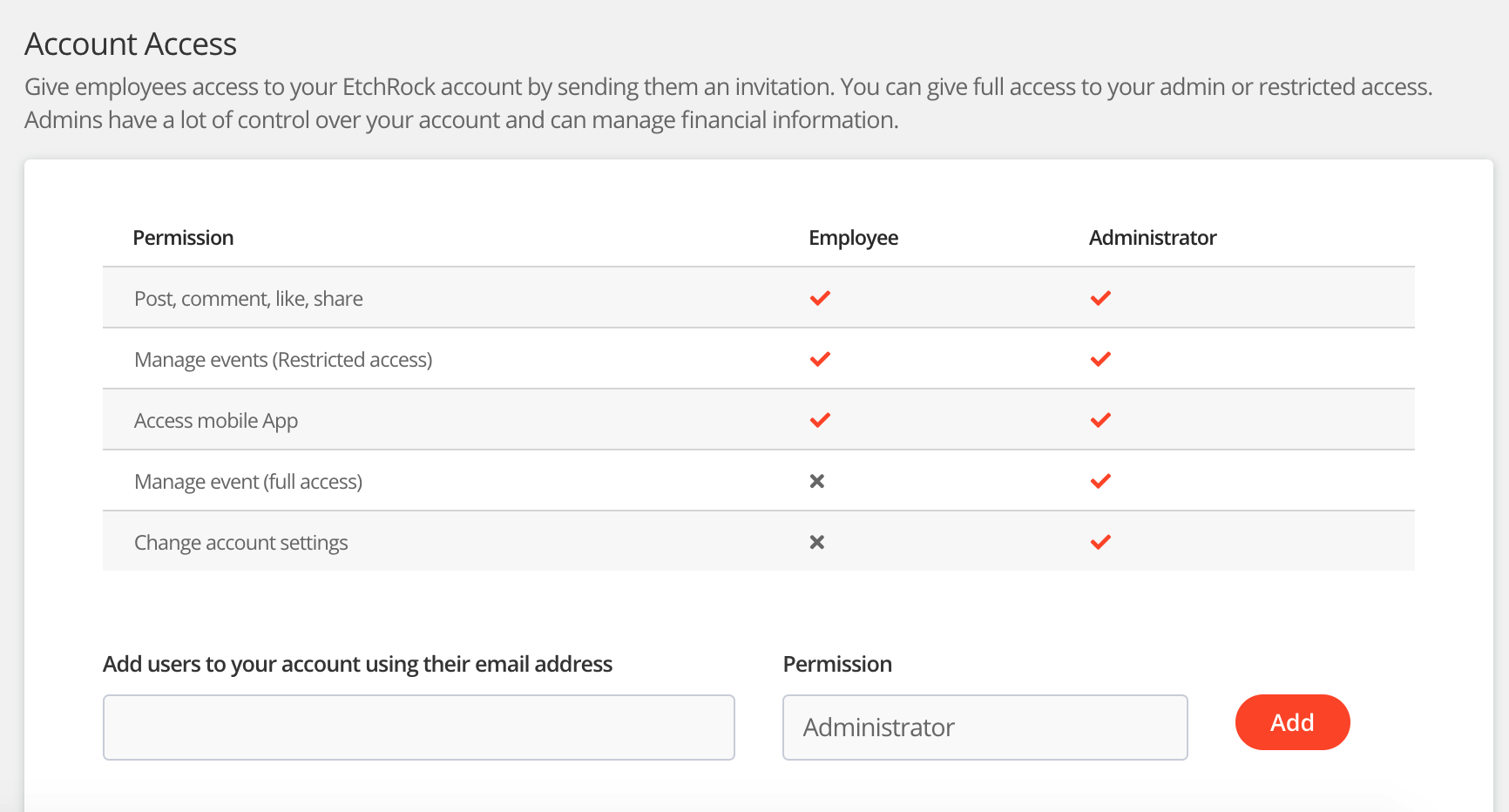
There are two different types of account access. The below details the restrictions for each.
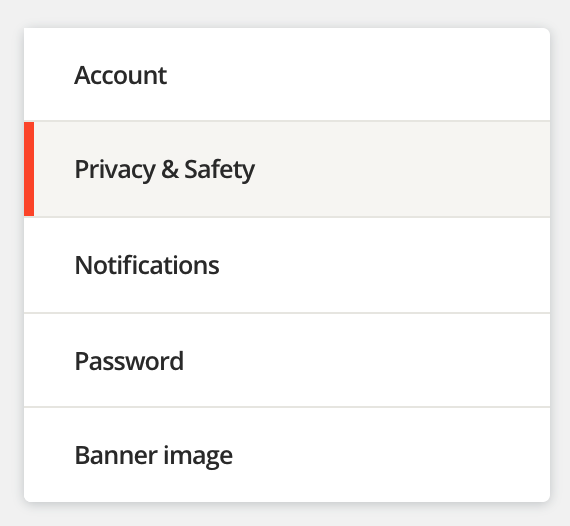
How to give someone account access

How to Remove account access
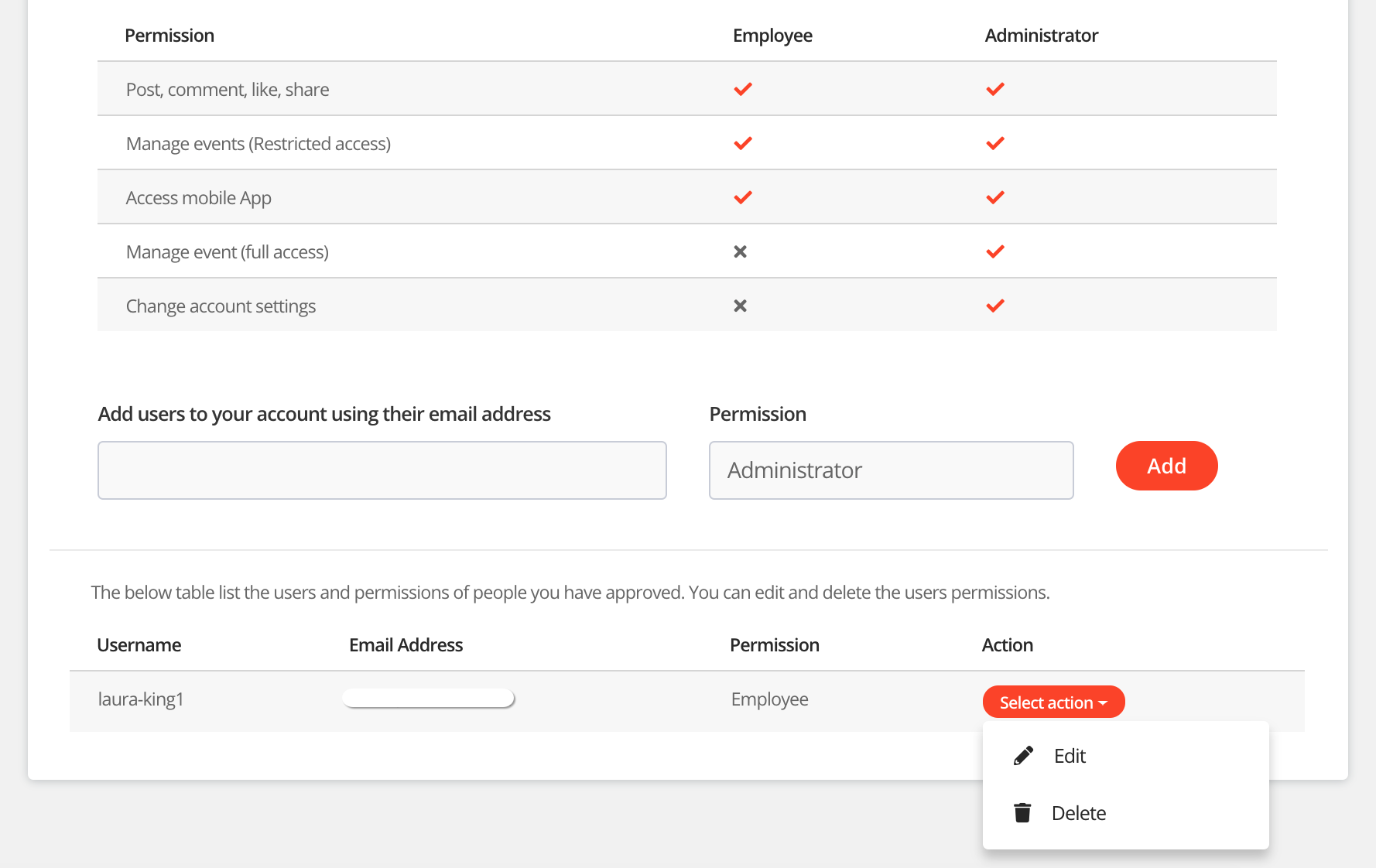
How to edit account access
Administrator access
Administrator access gives full account access without any restrictions. If you're adding a new admin to your account, please keep in mind that they'll have the same permission as you do to make changes to your account and it's events
Employee access
Employee access allows you to give a restricted account access to an employee. The details of the restrictions are listed below.
Restrictions
- Account settings https://etchrock.com/settings
- Apps https://etchrock.com/apps
- Merchants (Restricts access to the merchants page within manage event section)
- Fees and currency (Restricts access to the Fees and currency page within manage event section)
How to restrict access to specific events
For help please email support@etchrock.com
Comments
0 comments
Article is closed for comments.