
Creating group tickets
Creating group tickets allows you to set a minimum and maximum number of tickets required to be sold within an order.
This is a great way to offer a discounted price to people booking a larger quantity of tickets. It is also a good way to sign up teams.
There are two types of group tickets which will been detailed below.
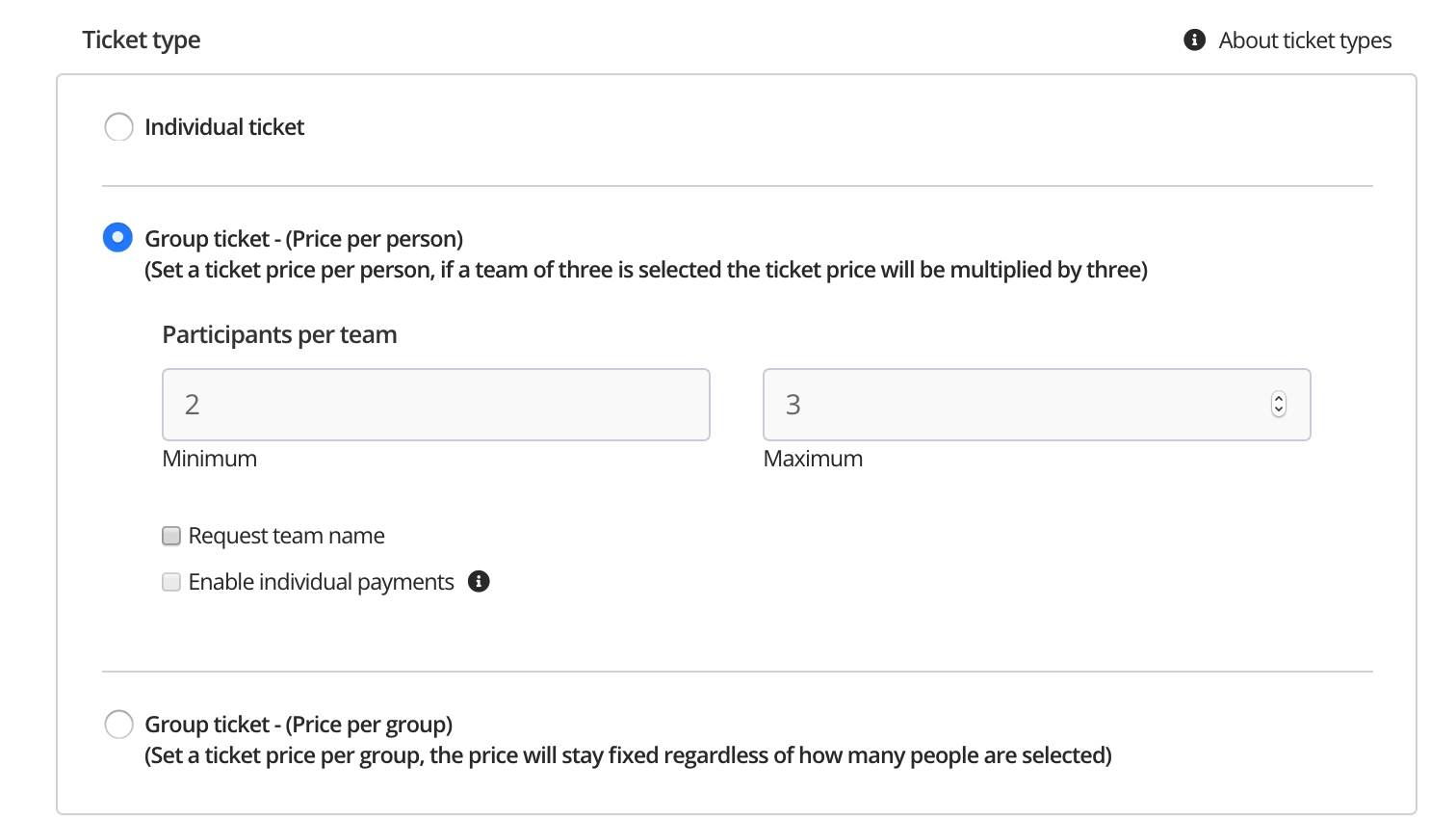
Price per person. Set a ticket price per person and then set the minimum/maximum number of people allowed within the group. Example - The below is a ticket set at £10 with min 2 max 3 participants. The price will be multiplied depending on the number of people selected.

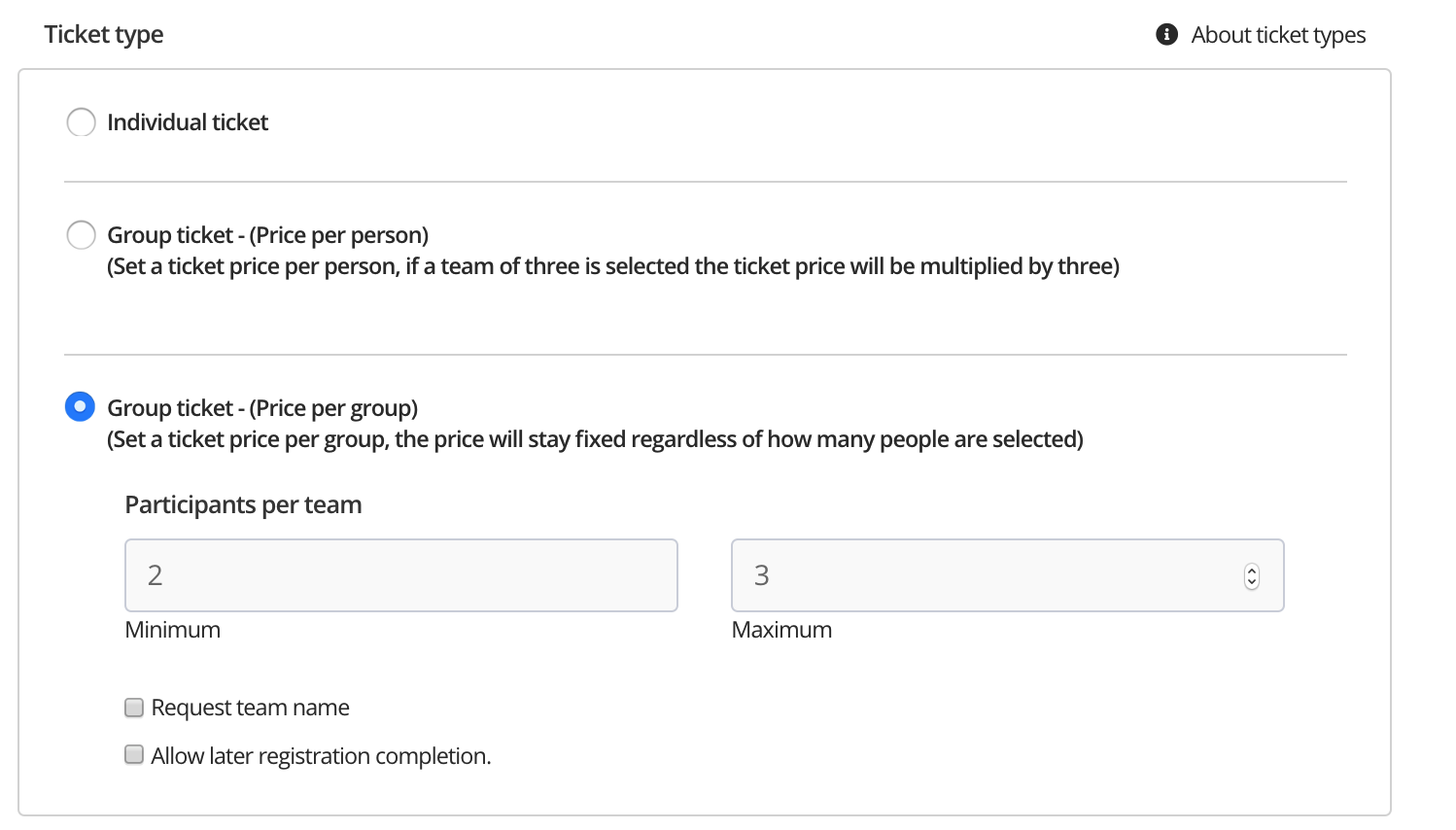
Price per group. Set a ticket price per group, the price will stay fixed regardless of how many people are selected. Example - The below is a group ticket with a min 2 max 3 participants. The price will remain fixed regardless of the number of participants selected.

To set this up open the 'advanced' ticket settings and select 'Group ticket - Price per person'
For help please email support@etchrock.com
Comments
0 comments
Please sign in to leave a comment.