
Creating a virtual event - Duration challenge
What is a duration challenge? - Challenge your participants to complete an activity for a set amount of time.
How do I set the duration? - You can set the number or days, hours and minutes.
Which activities are available?
- Running
- Cycling
- Swimming
- Hiking
- Nordic Walking
- Walking
- Wheel
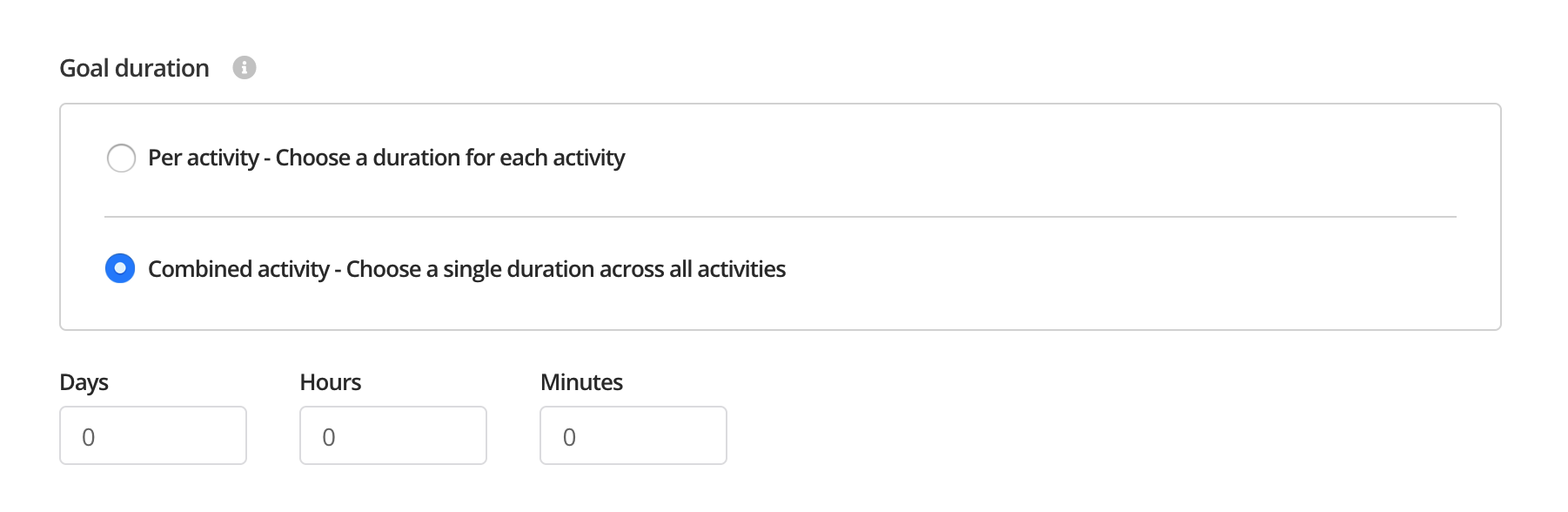
Can I choose multiple activities? - Yes, if you select multiple activities you can then decide wether to set the duration per activity or combined across all activities.
- Per activity - Choose a duration for each activity
- Combined activity - Choose a single duration across all activities
How to create a virtual duration challenge
Step 1 - Login to your EtchRock account and click 'Create event'.

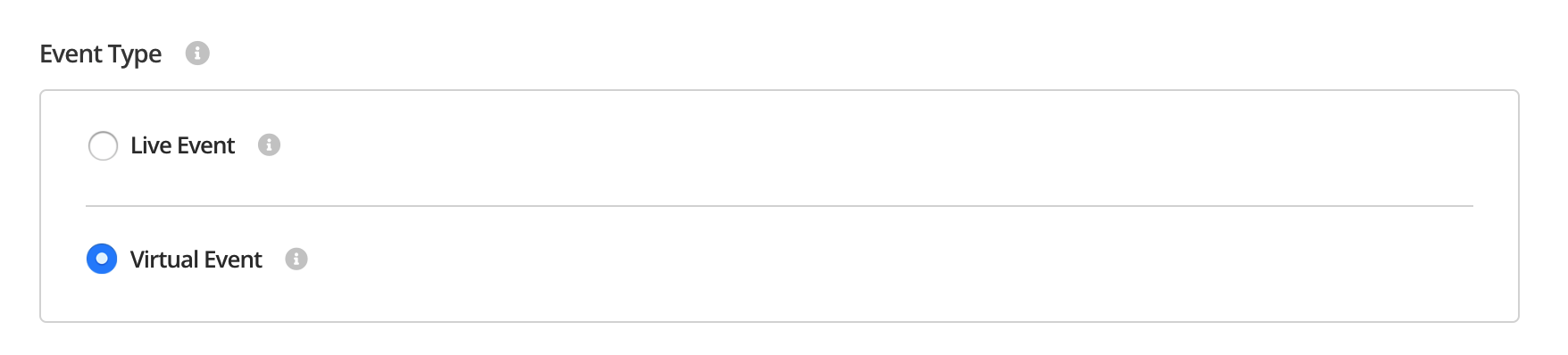
Step 2 - Select 'Virtual event' on the create form.
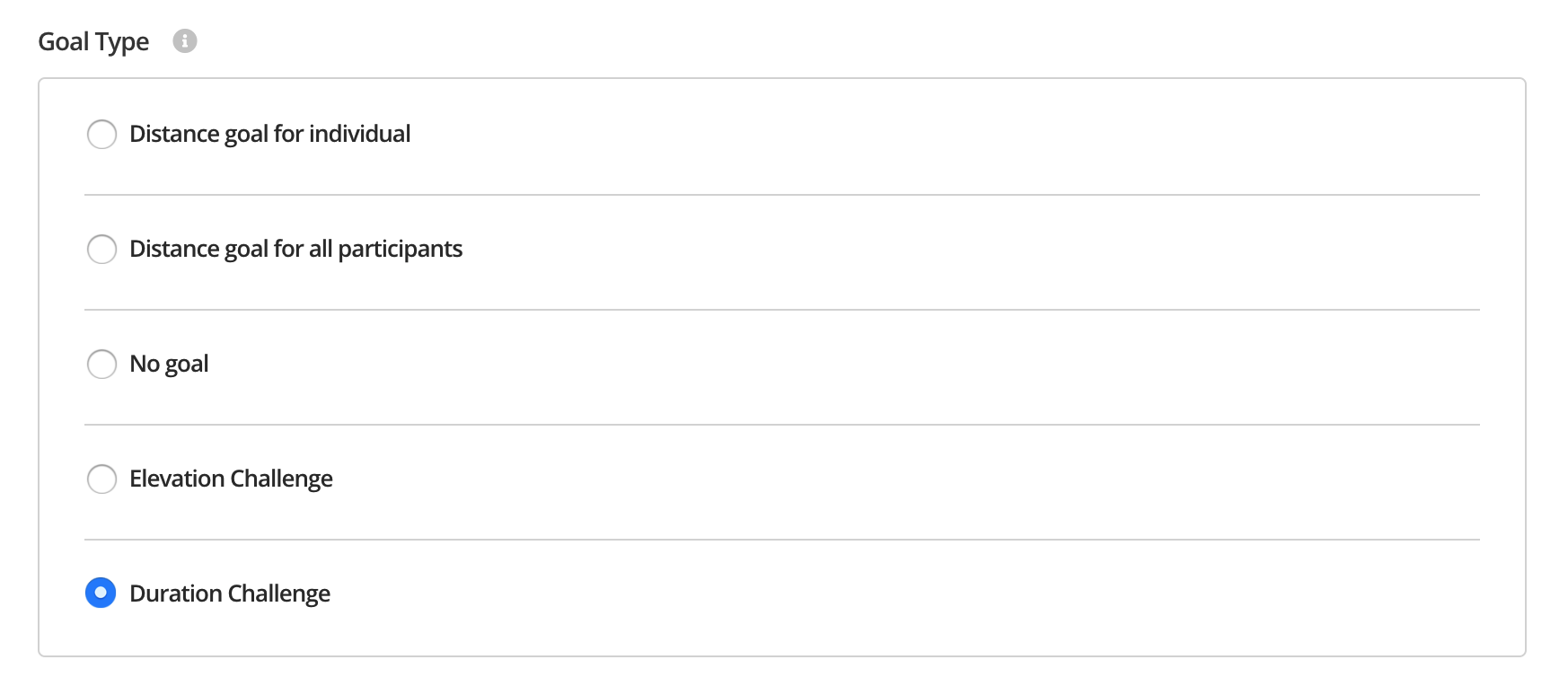
Step 3 - Under 'goal type' select 'Duration challenge'
Step 4 - Select the activities you would like to qualify in your challenge.
Step 5 - Set the goal duration.
That's it, participants will now see their duration shown on the challenge leaderboard.
For help please email support@etchrock.com
Comments
0 comments
Please sign in to leave a comment.