
Setting up multiple dates/locations for an event
Have a race series, weekly training sessions or repeat events then use the 'multi date/location' event setup.
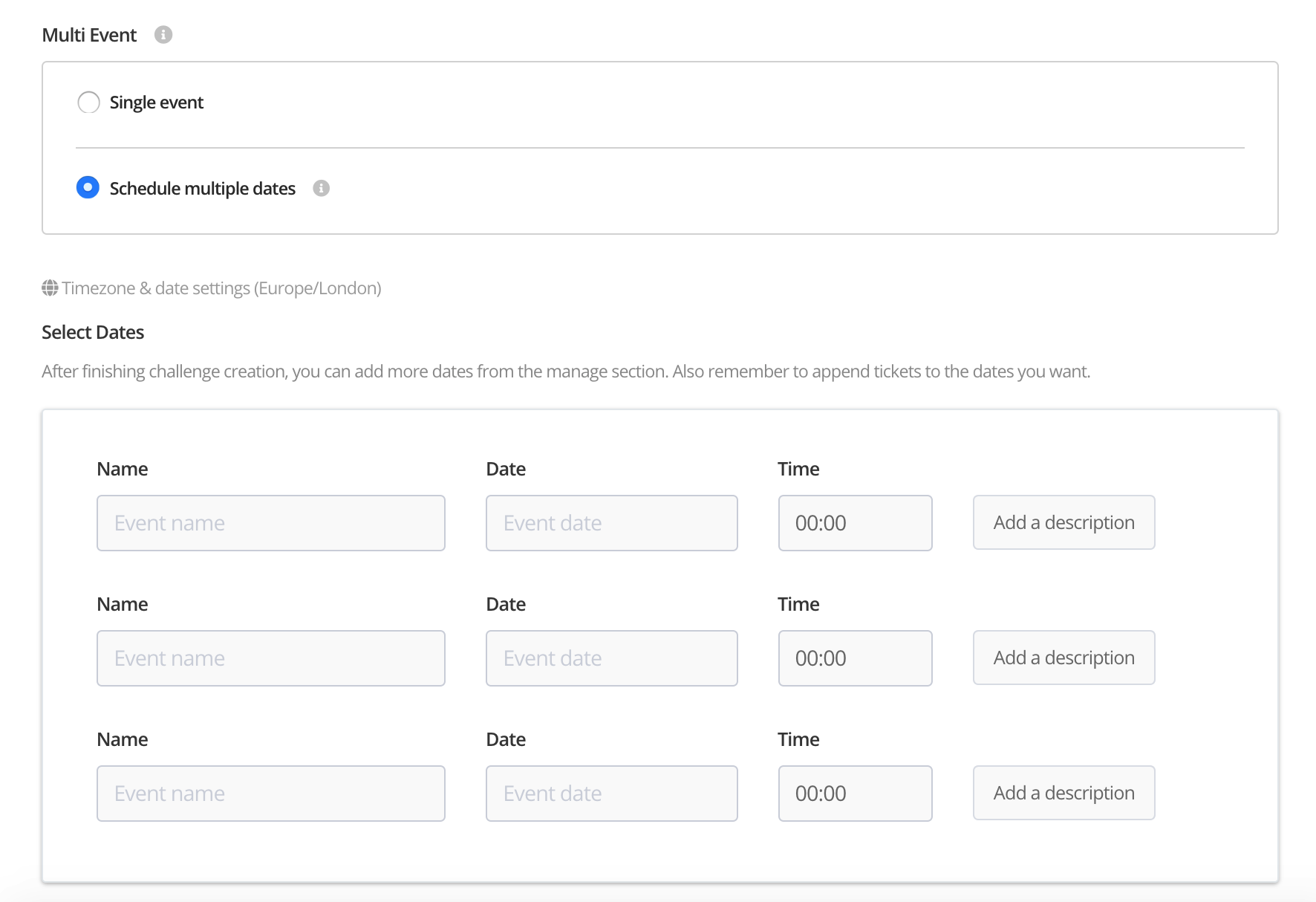
How to setup an event with multiple dates/locations
Step 1 - Click 'Create event'

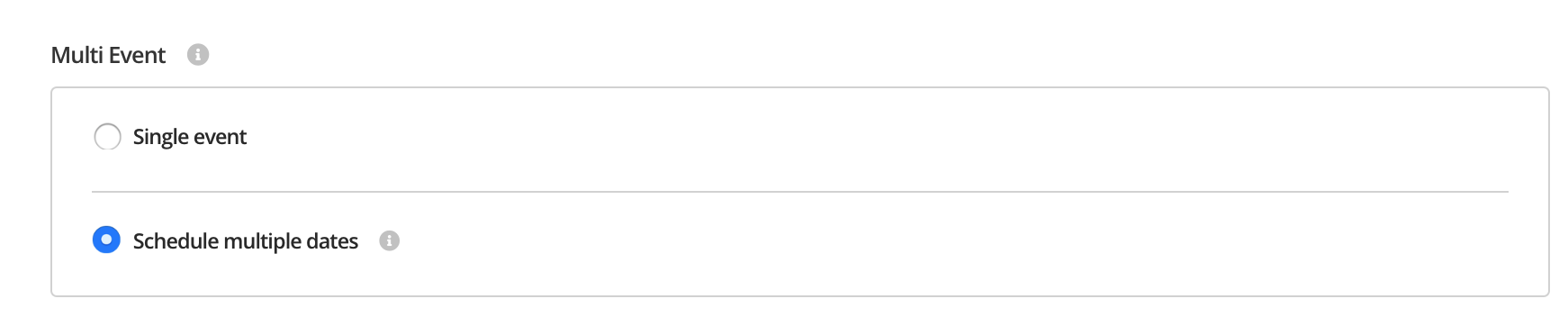
Step 2 - Click 'Schedule multiple dates
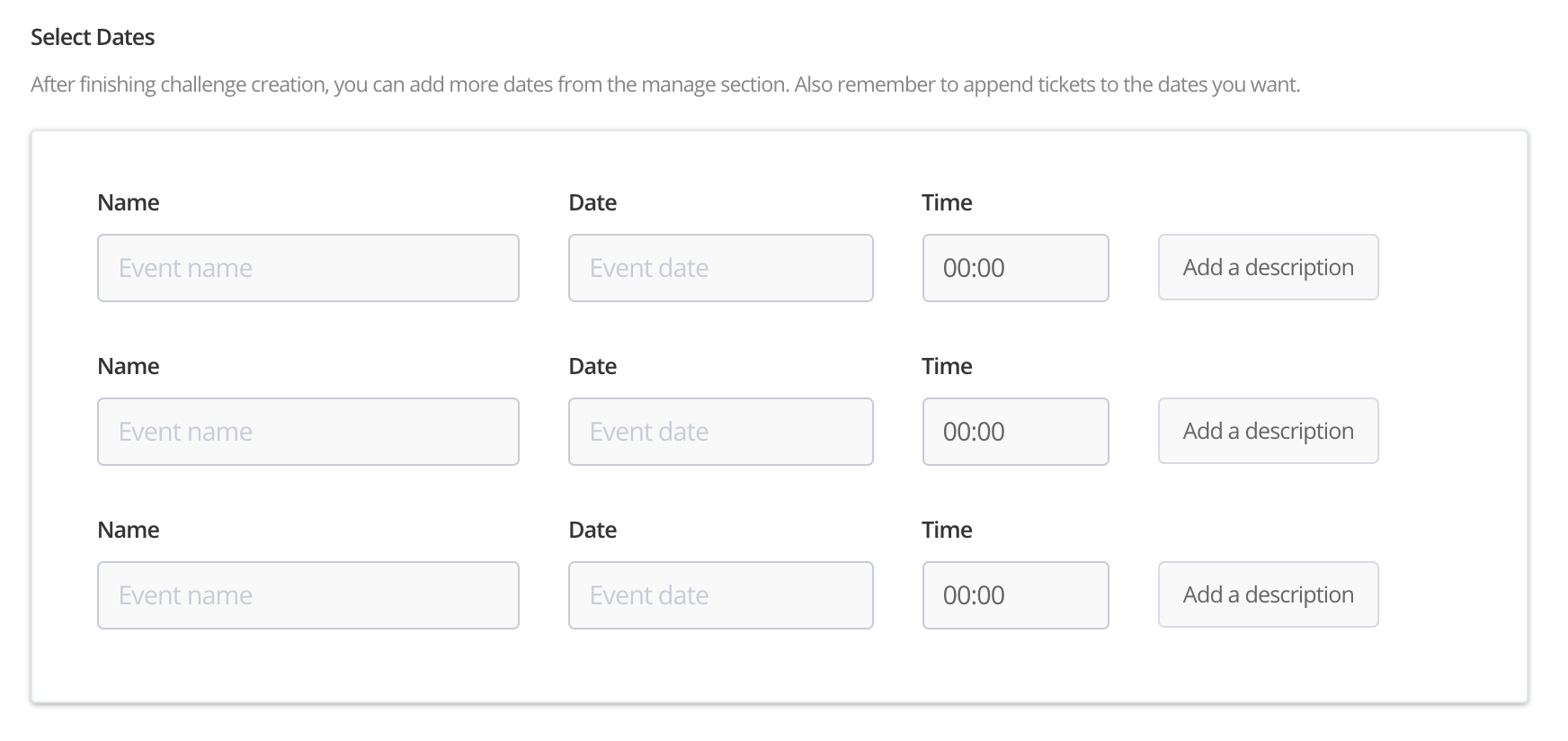
Step 3 - Add the individual events. You can add additional events later.
Adding additional dates
Step 1 - Within 'Manage event' click 'Event Dates'
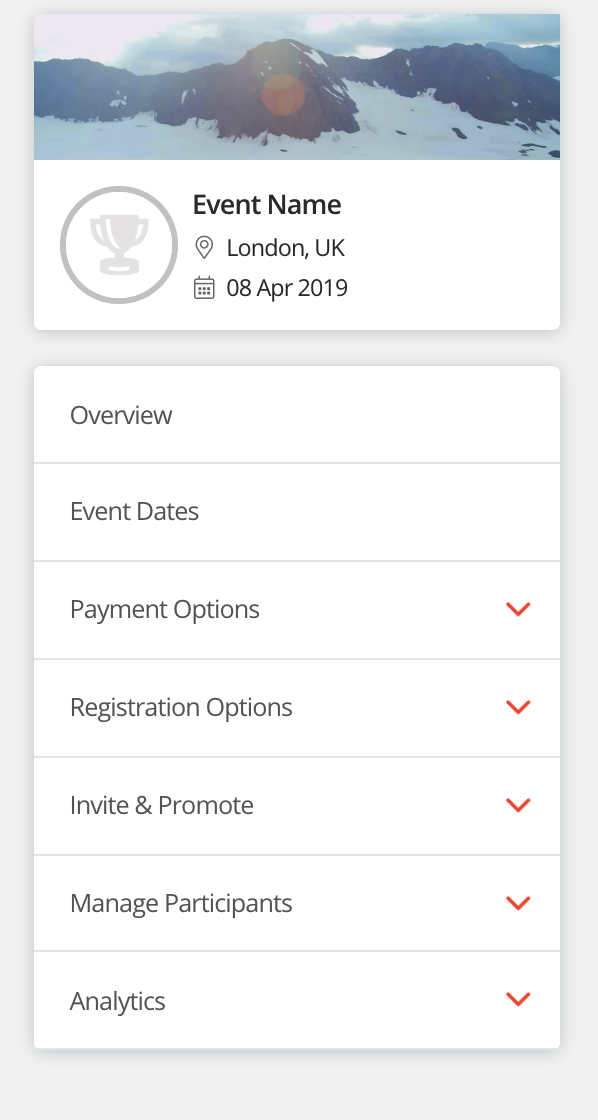
Step 2 - Click 'Add new date'
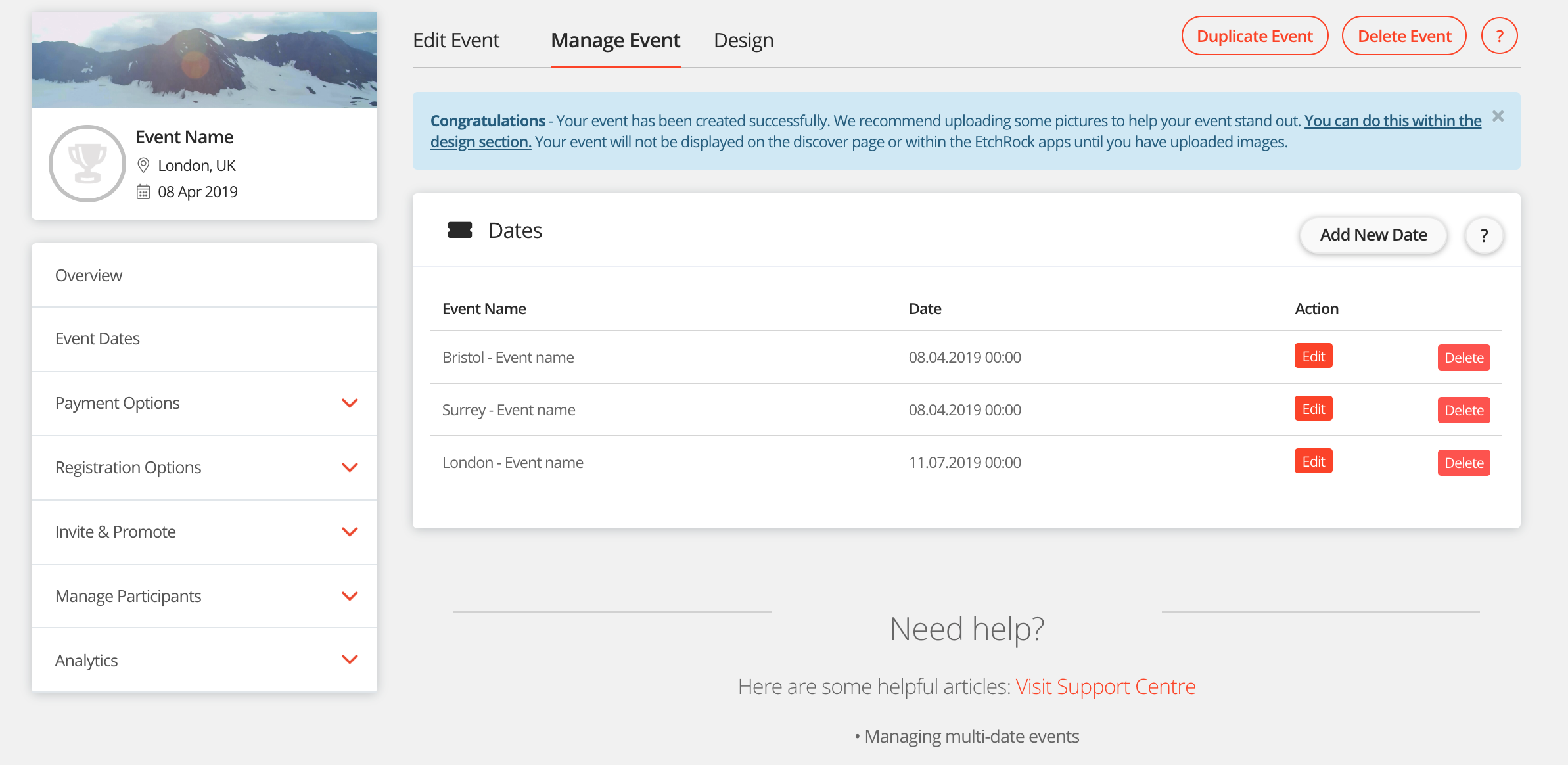
Step 3 - Complete the event form and apply any tickets to the date.
- Name
- Date
- Description
- Location
- Apply tickets
Thats it, your date/location will be added. For help please email support@etchrock.com
Comments
0 comments
Please sign in to leave a comment.