
Layered fundraising
Layered fundraising allows your supporters to invite their friends to fundraise along with them. Each supporter will have a unique link to share with their friends and when someone joins them you'll be able to see how your supporter networks perform. Every donation made to a specific supporter can then be linked through your supporter network.
When looking at a supporter you can see the donations made to that supporter and also the donations made through their linked supporter network.
Enabling layered fundraising within a campaign
Step 1 - Navigate to your registration form setup. Fundraising > Campaigns > Manage supporters > Registration form
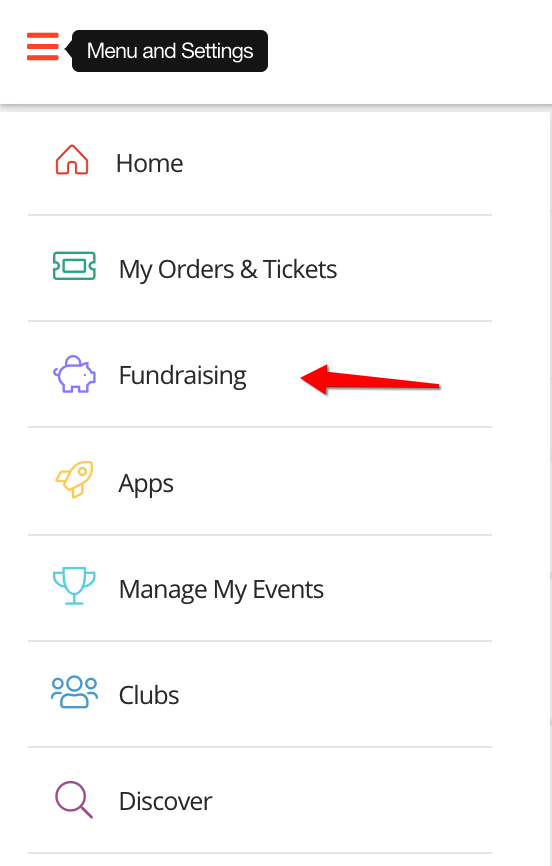

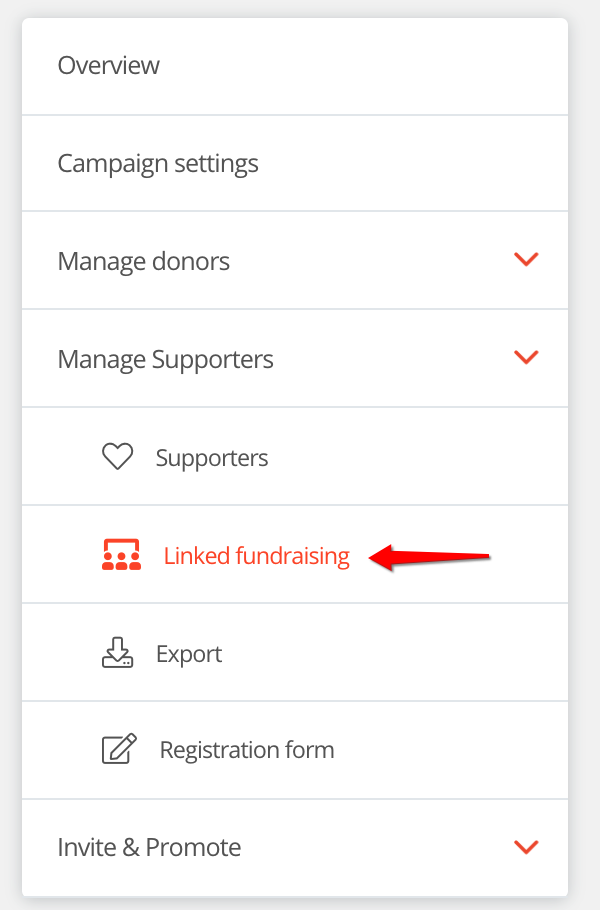
Step 2 - Click 'Enable linked fundraising'
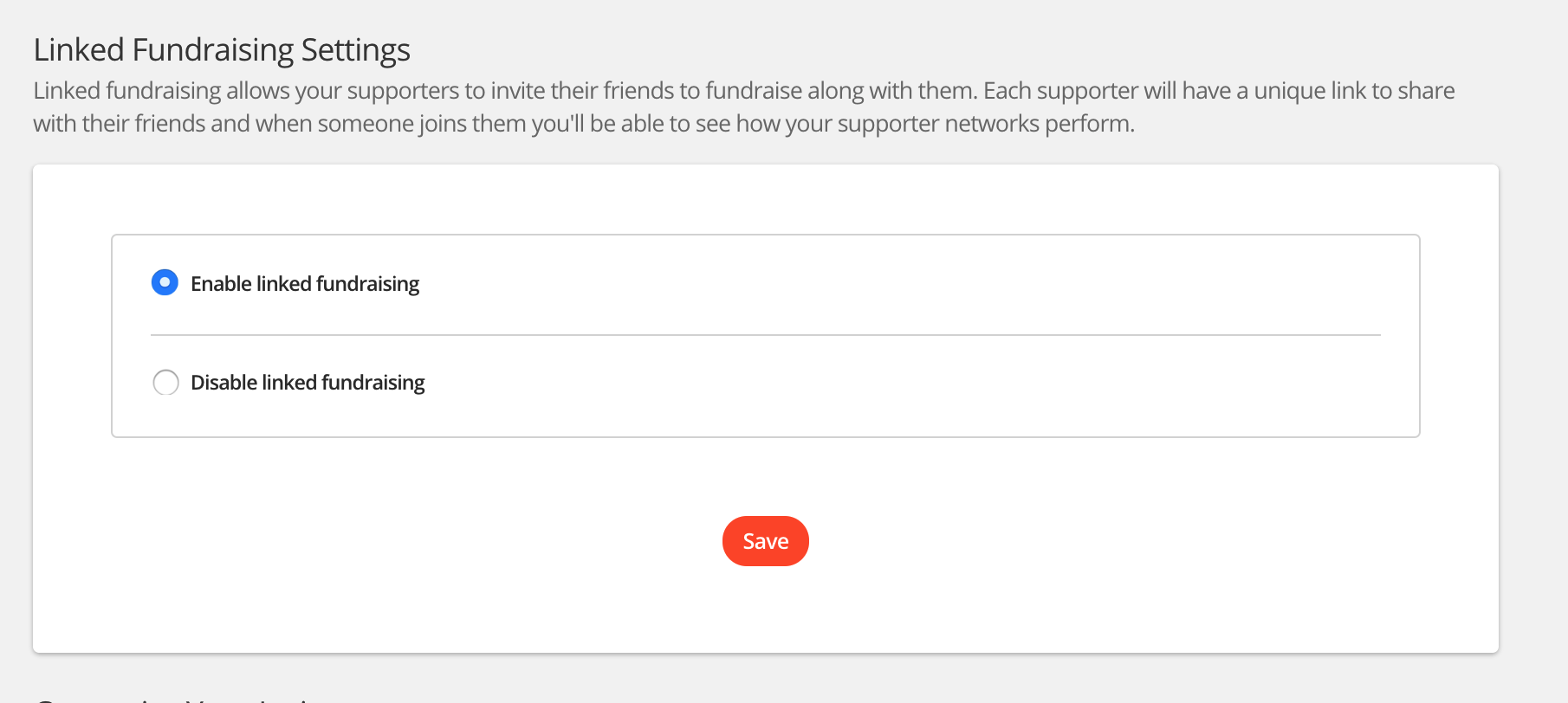
That's it, each supporter will have a unique link to share with their friends and when someone joins them you'll be able to see how your supporter networks perform.
Encouraging supporter registration
When you have enabled linked fundraising we'll display the below section on each supporter fundraising page and your campaign fundraising page. The 'Start fundraising' button contains a unique tracking link which allows us to build and track your supporter networks.
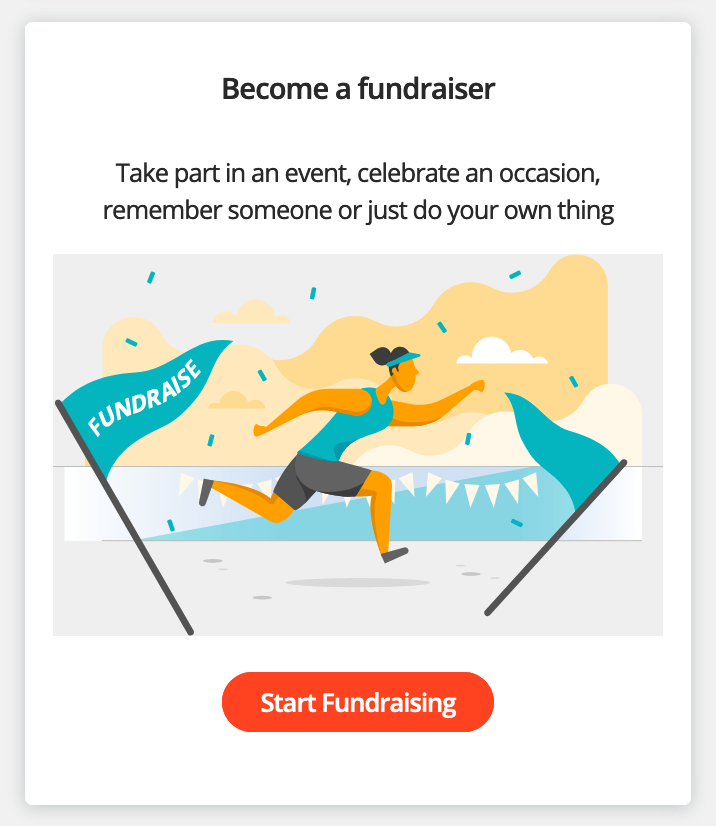
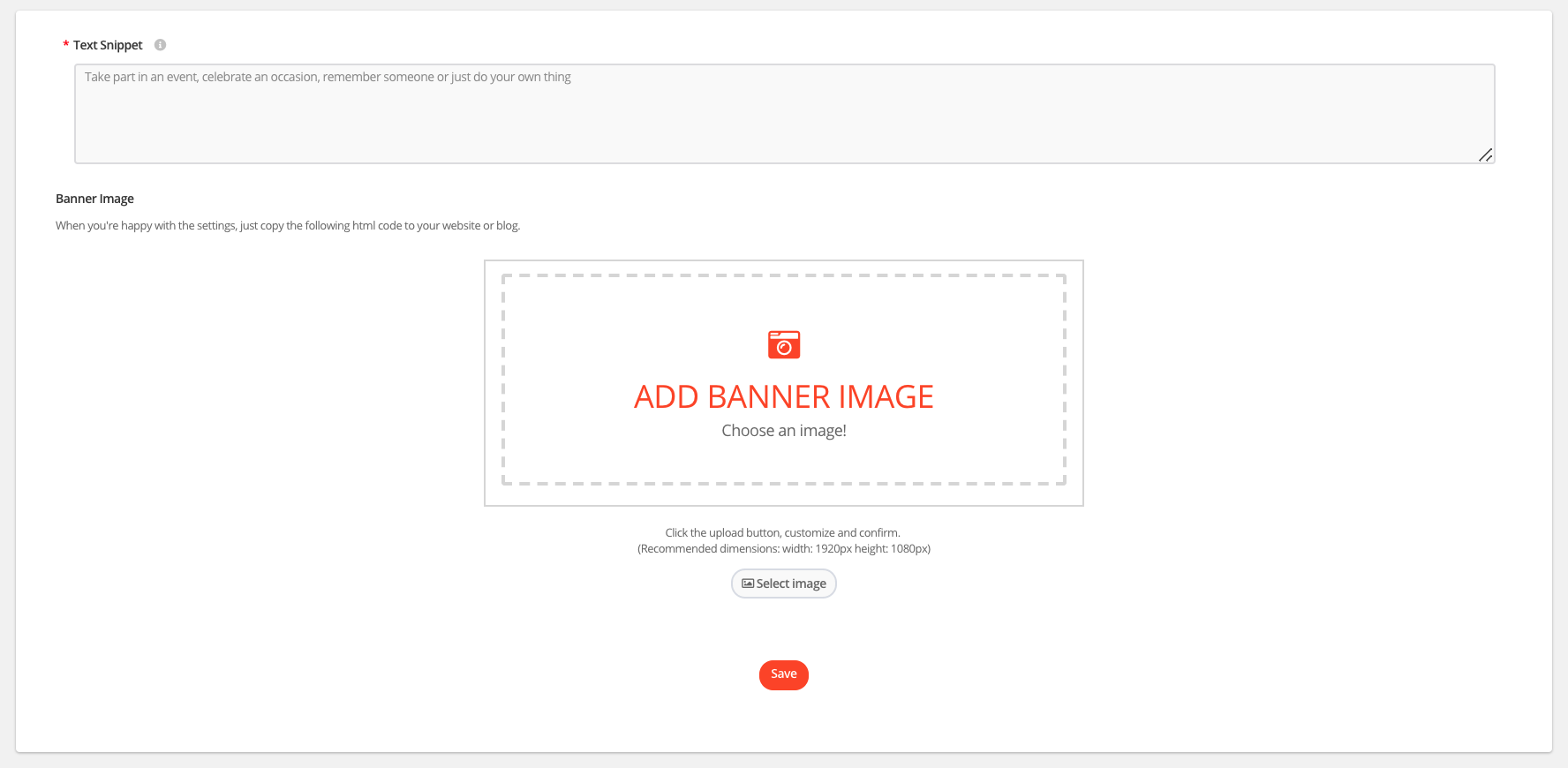
You can customise the image and content displayed within this section from the same page you enable the layered fundraising.
For help please email support@etchrock.com
Comments
0 comments
Article is closed for comments.